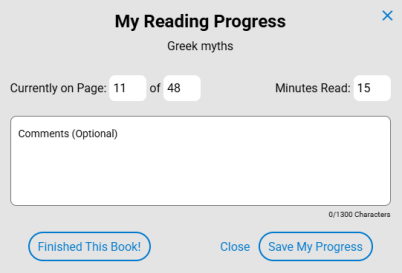
Track Destiny Engage book club progress
Once you start a Destiny Engage book club, you can track students' progress.
|
Note: This feature requires a subscription to Destiny Engage. |
- Access the book club in one of the following ways:
- From your homepage: Go to the Book Clubs carousel, and then click the desired book club.
- From the sidebar: Select Book Club > MY CLUBS, and then click the desired book club or View progress.
- In the Who? section, next to the desired student, click
 to see the percentage complete and time spent reading for each title, as well as percentage complete for the club.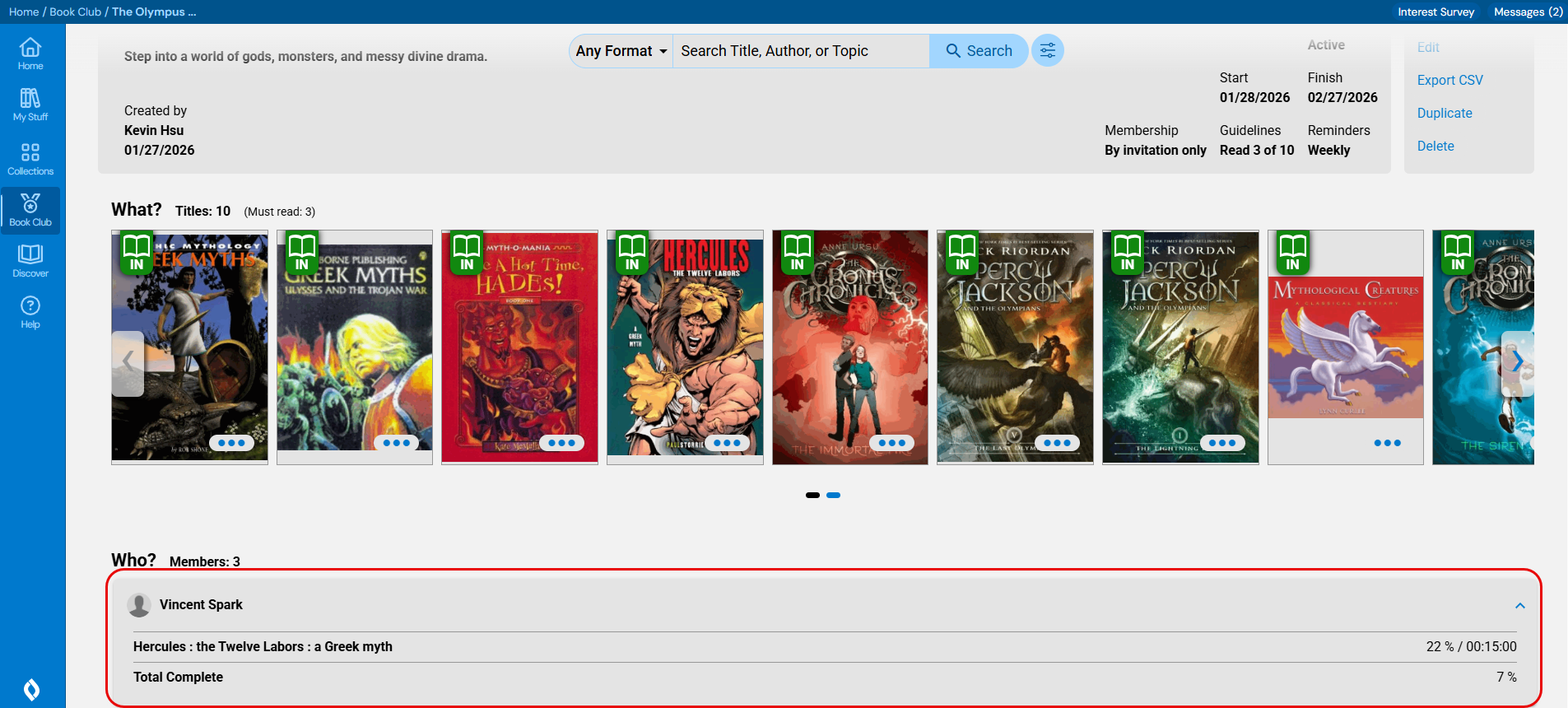
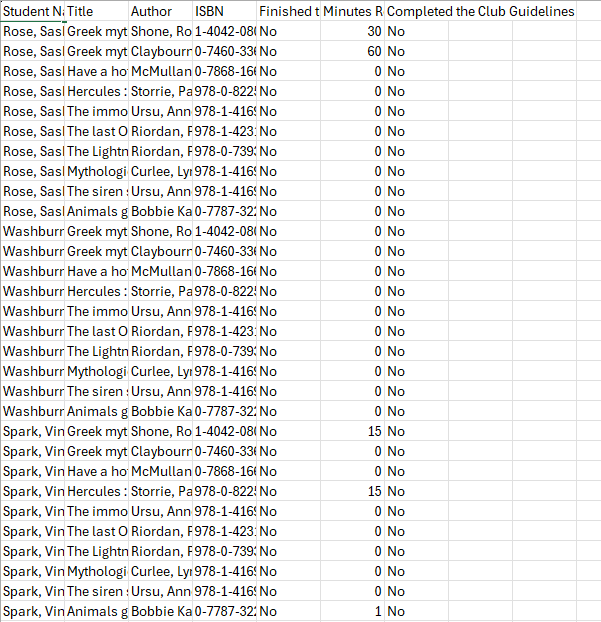
- If you want to export book club progress data, from the Actions menu on the right side of the page, click Export CSV. The CSV file downloads to your browser's Downloads folder.
- Click the file to open it. Exported information includes Student Name, Title, Author, ISBN, if the student finished the book, Minutes Read, and if the student completed the club guidelines.
|
Notes:
|