Participate in a Destiny Engage book club
Destiny Engage lets you participate in fun book clubs. There are some book clubs you might be added to by a teacher or librarian, and others that are open for anyone to join. If your school lets students create book clubs, a friend might even invite you to join one.
|
Note: This feature requires a subscription to Destiny Engage. |
Access a book club you are added to by a teacher or librarian
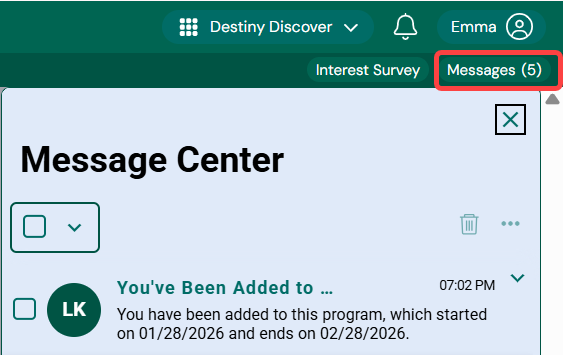
- When a teacher or librarian adds you to a book club, you will receive a message. To access the Message Center, under your profile, click Messages. The number indicator shows how many unread messages you have.
- Next to the message, click
 , and then View Details.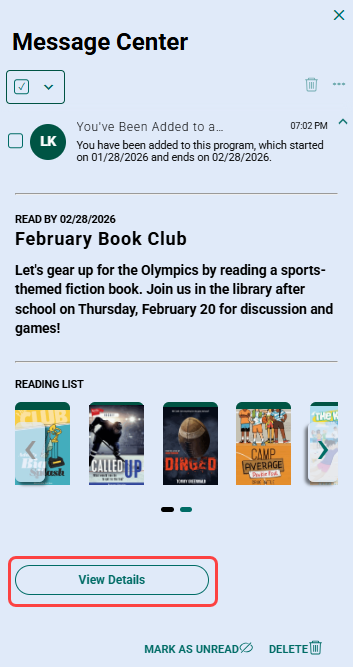
From the club's details page, you can learn more about the club, including the start and end dates, and how many books must be read to meet a club's guidelines.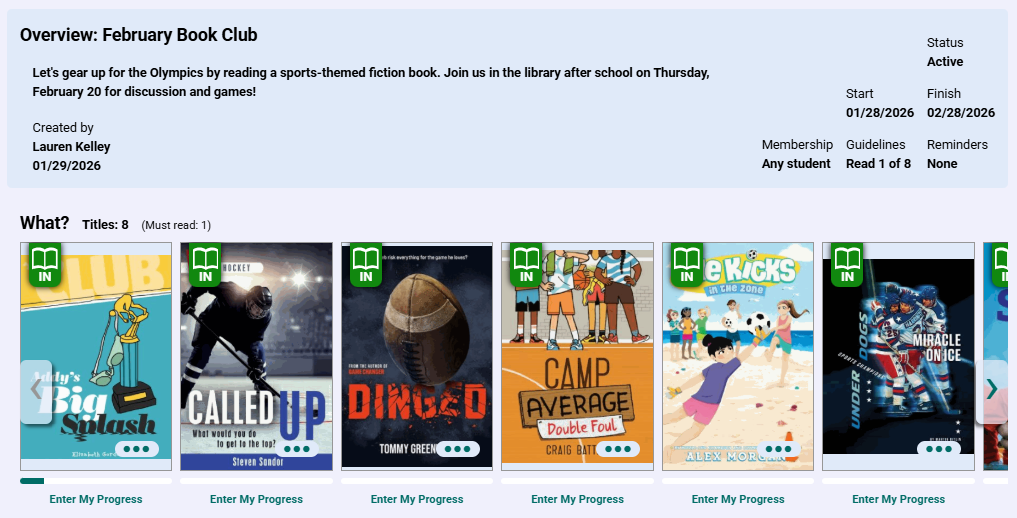
You can also get to a book club you are invited to or joined as follows:
- From your homepage: Go to the Book Clubs carousel, and then click the book club.
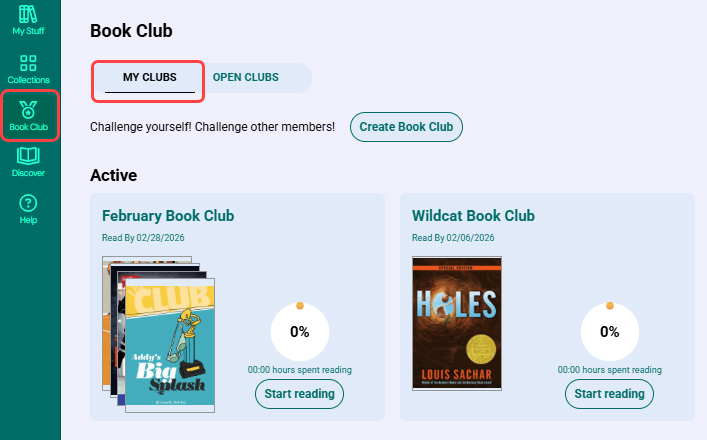
- From the sidebar: Select Book Club > MY CLUBS, and then click the club.
Join an open book club
- From the sidebar, click Book Club.
- Click OPEN CLUBS.
- Click a book club of interest.
- Click Join club.
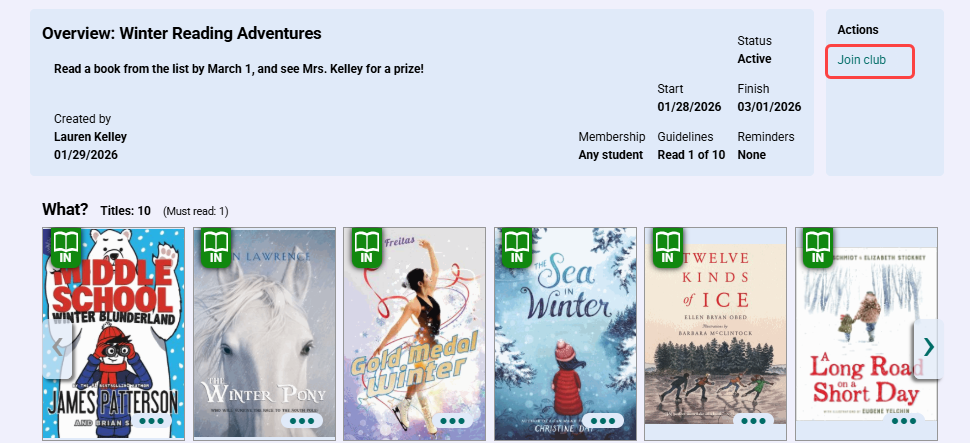
Join a book club a student invites you to
- From the sidebar, select Book Club > My CLUBS.
- Next to the club you are invited to, click View invitation.
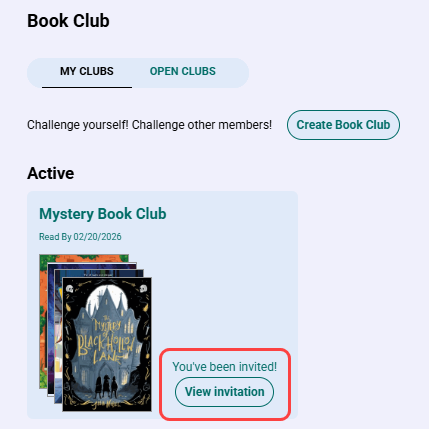
Note: You can also access a club you are invited to from the homepage Book Clubs carousel.
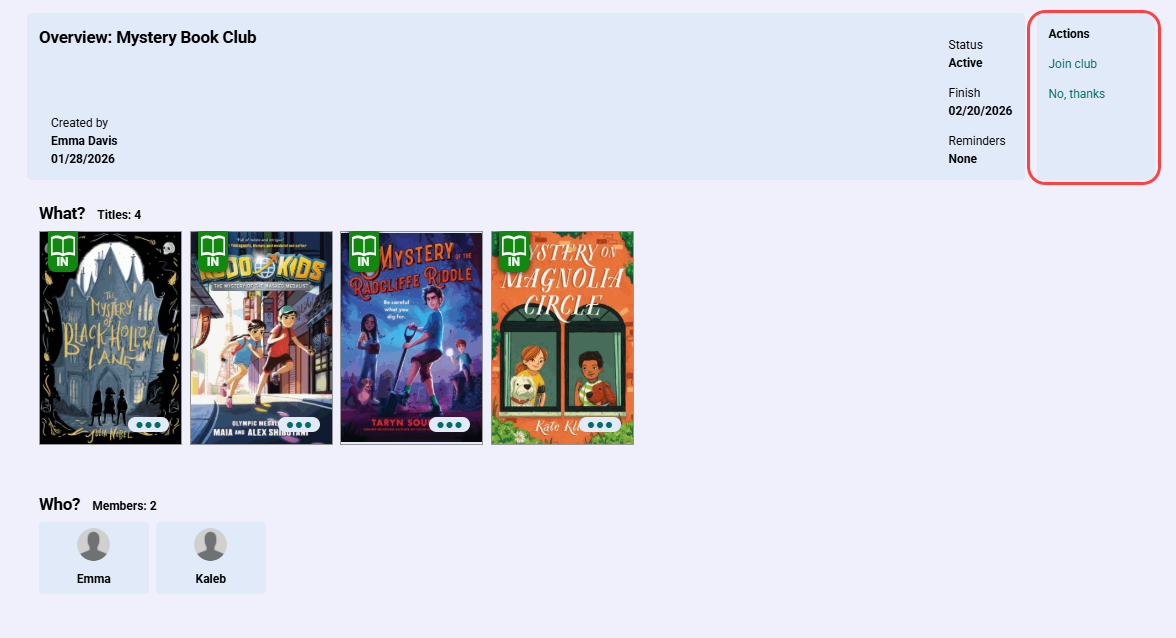
- Do one of the following:
- To join the club, click Join club.
- To decline the invitation, click No, thanks.
Leave a book club
If a teacher or librarian add you to a book club, you cannot remove yourself. If you joined a book club you were invited to by another student, you can leave at any time.
- From the sidebar, select Book Club > My CLUBS.
- Click the club you want to leave.
- From the Actions menu on the right side of the page, click Leave club.
Report misuse of a book club
If you feel the book club feature is being misused by another student, you can report it.
- From the sidebar, select Book Club > My CLUBS.
- Click the club you want to report.
- From the Actions menu on the right side of the page, click Report this club.
- Enter your concern.
- Click Submit. A librarian or other staff member at your school will be
Enter your reading progress
Destiny Engage automatically tracks when you finish reading a Follett eBook or Audiobook. If you are reading a print book or non-Follett eBook or audiobook, you can enter your progress.
- From the sidebar, select Book Club > MY CLUBS, and then click the club.
- Below the book title, click Enter My Progress. The My Reading Progress pop-up appears.
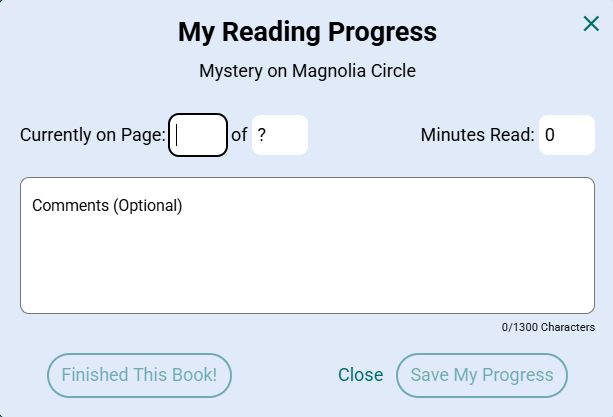
- Type the page number you are currently on, the total number of pages (if not entered previously), and the number of minutes read. Enter any comments (optional).
- Do one of the following:
- If you finished the book, click Finished This Book!.
- If you did not finish the book yet, click Save My Progress.
Note: Once you click Save My Progress or Finished This Book!, you cannot change the book's total number of pages.
Track your book club progress
You can see your progress towards meeting a club's guidelines on the My Clubs page.
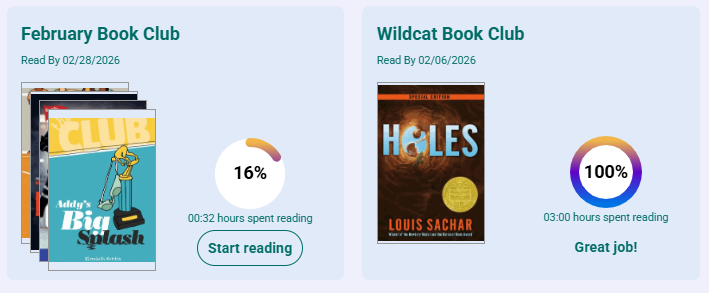
When you participate in a book club created by another student, you can see everyone's progress from the book club's page.
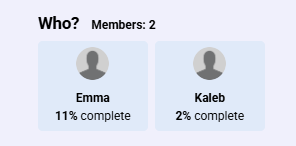
| Note: If the book club was created by a teacher or librarian, with the appropriate permission, students can see members' names (but not their progress). The teacher or librarian can track their book club members' progress. |
When you complete the book club requirements, you receive a badge.