Access Destiny Engage
You can access Destiny Engage from the Destiny Discover homepage.
|
Note: Your school must have a Destiny Engage subscription to access it. |
- Select the Applications menu
 > Destiny Discover.
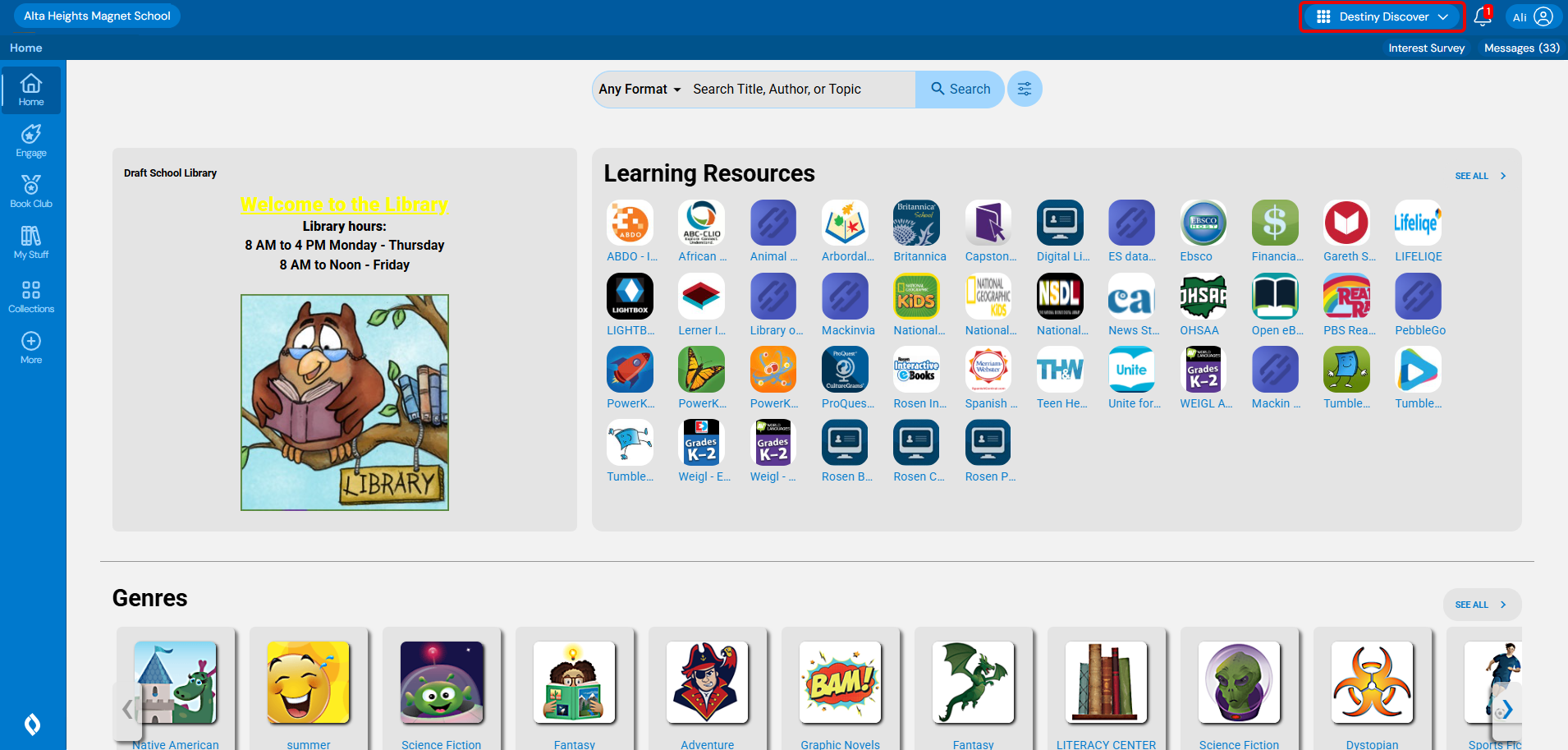
- From the sidebar, click Engage. The Engage homepage appears.
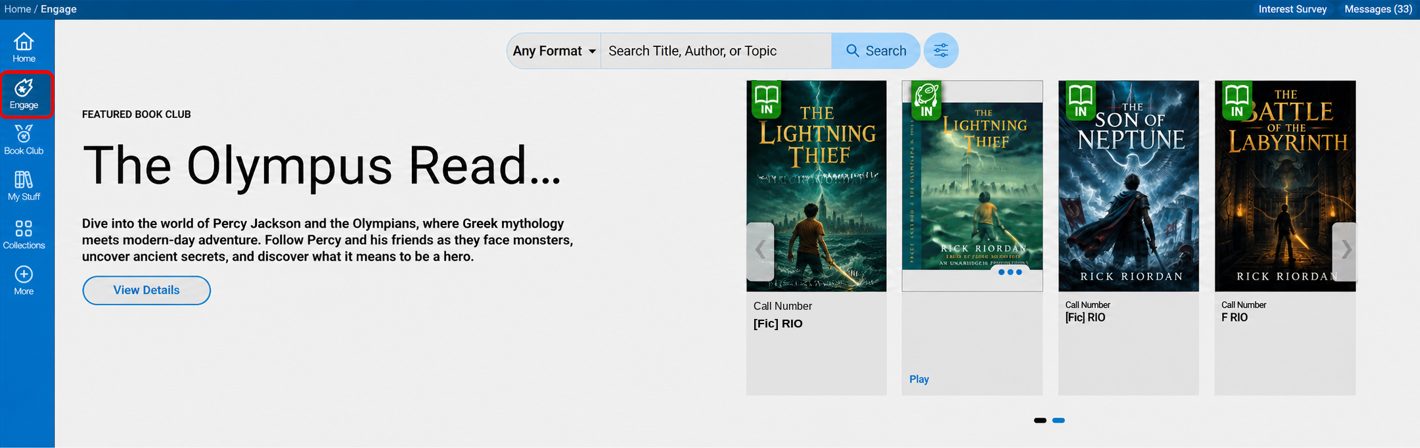
For more information about setting up the Engage homepage, click here.