Review a Destiny Engage book club abuse report
If a student feels the book club feature is being misused by another student, they can report it. Destiny Discover administrators are notified upon login.
|
Notes:
|
To review a book club abuse report:
-
When a student submits an abuse report, you receive a message. To access the Message Center, under your profile, click Messages.
The number indicator shows how many unread messages you have.
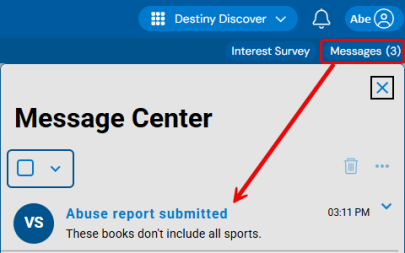
- Next to the "Abuse report submitted" message, select
 > View Details.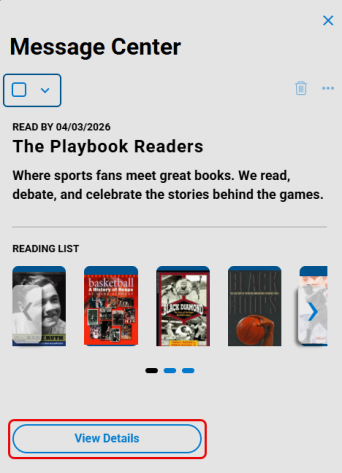
- From the sidebar, select Book Club > MY CLUBS.
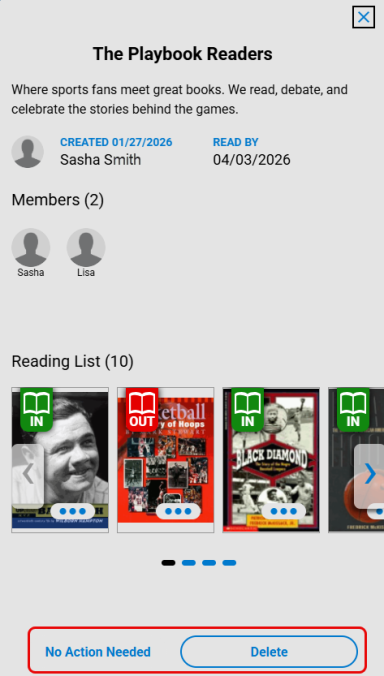
- Under Reported, click the desired book club. Review its details, and then select one of the following:
- No Action Needed: The book club will remain active.
- Delete: The book club is removed for all participants.