Choose book club titles
When creating a Destiny Engage book club, you can let members select their own titles from the site's catalog and track their reading progress.
|
Note: Your school must have a subscription to Destiny Engage. |
Choose titles
- Access the book club in one of the following ways:
- From your homepage: Go to the Book Clubs carousel, and then click the desired book club.
- From the sidebar: Select Book Club > My clubs, and then click the desired book club.
- In the Titles section, click
 or Choose titles. A pop-up appears.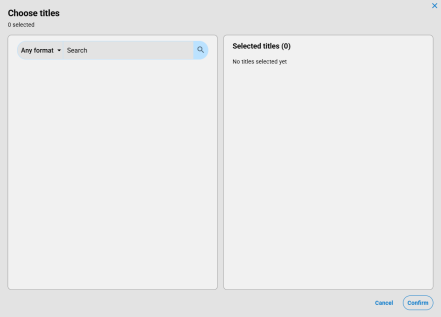
- Search for a title, and then click
 or press Enter. A list of results appears.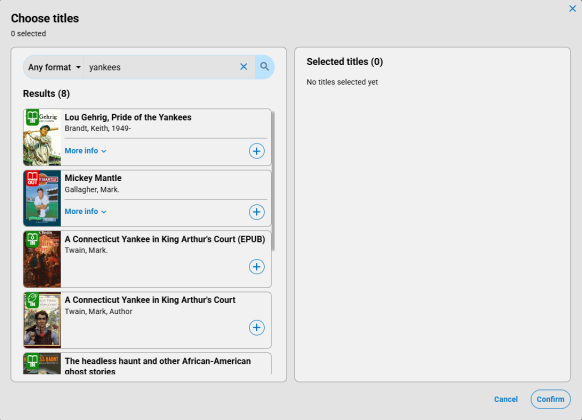
- Do any of the following:
- To see available title details, such as the series, sublocation, and call number, click More info.
- To select a title, click . Repeat for each title you want to add.
- To remove a title from the Selected titles list, click
 .
.
- When you are done, click Confirm. The titles you selected appear.